
This step-by-step tutorial will show you how to edit EXIF and IPTC info directly in Exif Pilot.
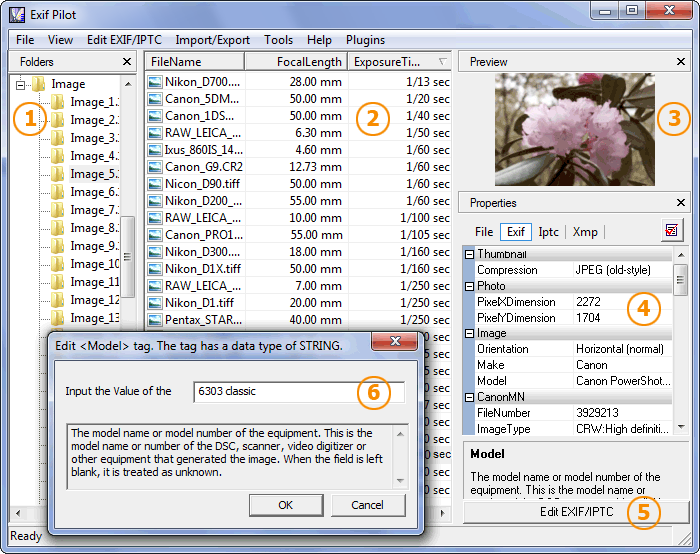
The first method:
- Double click a tag in the Properties panel (4).
- Select or enter the desired value in the dialog (6).
- Click “OK” to save new metadata.
The second method:
- Select a file and click “Edit EXIF/IPTC” (5). The “Edit Properties” window will appear:
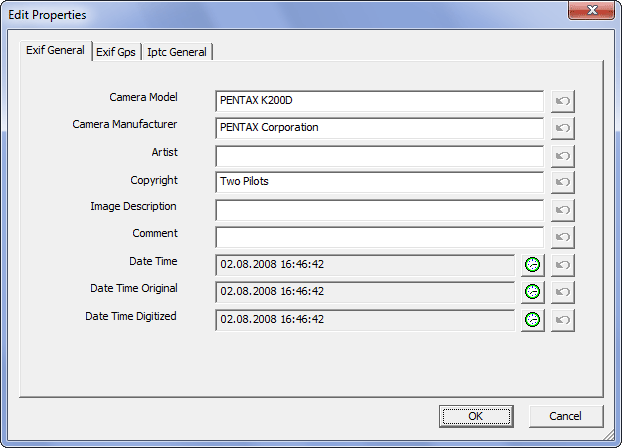
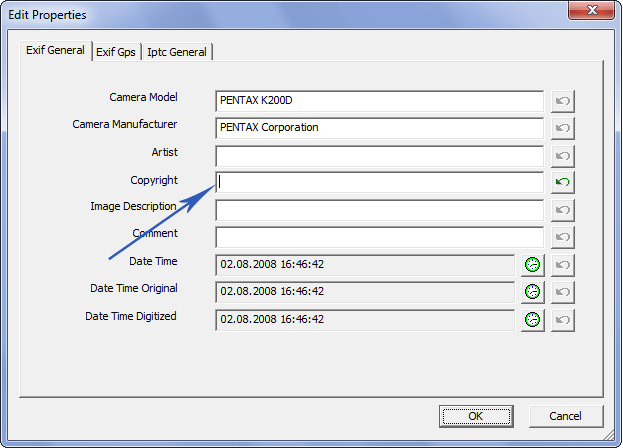
2. Now you can edit EXIF and IPTC data or remove the metadata from the respective fields, for example:
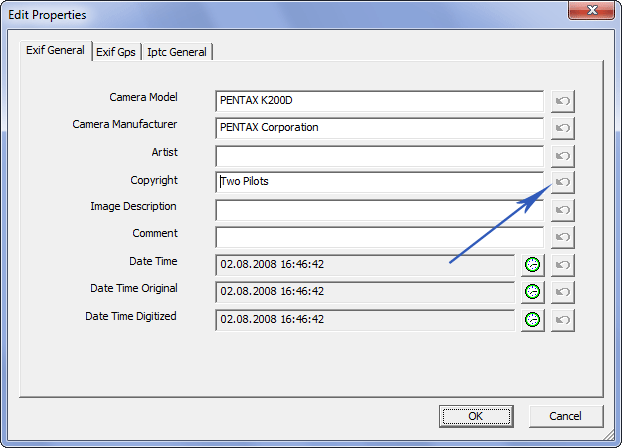
3. If you need to return to previous values, click the “Undo” button:
4. Click “OK” to save the edited metadata.
See also:
Batch-Editing EXIF data for a group of files…