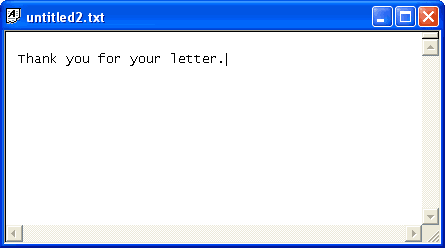
In Type Pilot, you can store frequently used text and insert it into your message with ease.
What if there are some phrases that you use only once a month or even less often? Can you then remember a keyword? Type Pilot allows you to find such phrases and to insert them into your current document.
All you have to do is to open the main window (double-click on the program icon in the system tray). Then find and select an appropriate phrase:
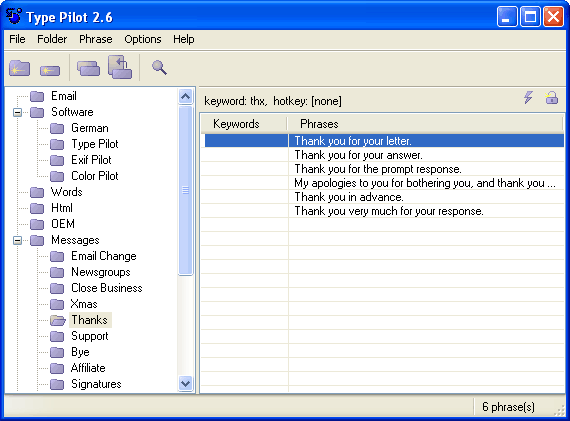
You then click the Space button, or right-click the phrase and select Type Phrase from the context menu.
The main window is minimized again, and the selected phrase is inserted into your current document.