Form Pilot Pro - For filling out forms professionally.
Form Pilot Home - Lite version for filling out forms from time to time.
Form Pilot Office - For form-filling and creating custom forms.
Our Advantage: The Form Pilot Virtual Printer allows you to transfer the document from another program (for instance, a PDF document from Adobe Acrobat) to Form Pilot using the Print command. So, with each Form Pilot program, you can fill out a form in any initial file format! Further information...
Form-filling tasks that can be completed with these form-fillers: |
Home |
Pro |
Office |
| Fill out paper forms on your computer instead of using a typewriter. See more... | + | + | + |
| Fill out one-page electronic forms of any type (DOC, TXT, XLS, PDF documents, etc.). See more... | + | + | + |
| Fill out the same form repeatedly, using the Form feature or using Database Tools. | + | + | + |
| Fill out multi-page paper and electronic forms of any type. See more... | + | + | |
| Save filled forms as PDF files to send them by e-mail, for instance. | + | + | |
| Export (and import) data from Form Pilot Office documents to your database. See more... | + | ||
| Make PDF documents and fillable PDF forms that can be filled out using free Adobe Reader. See more... | + | ||
| Create special forms that can be filled in by your clients and partners with our free Filler Pilot. See more... | + | ||
| Prices: | 29.99 | 89.00 | 245.00 |
Form Pilot Pro
is basic From Pilot software for filling out paper and electronic forms on your computer instead of using a typewriter.
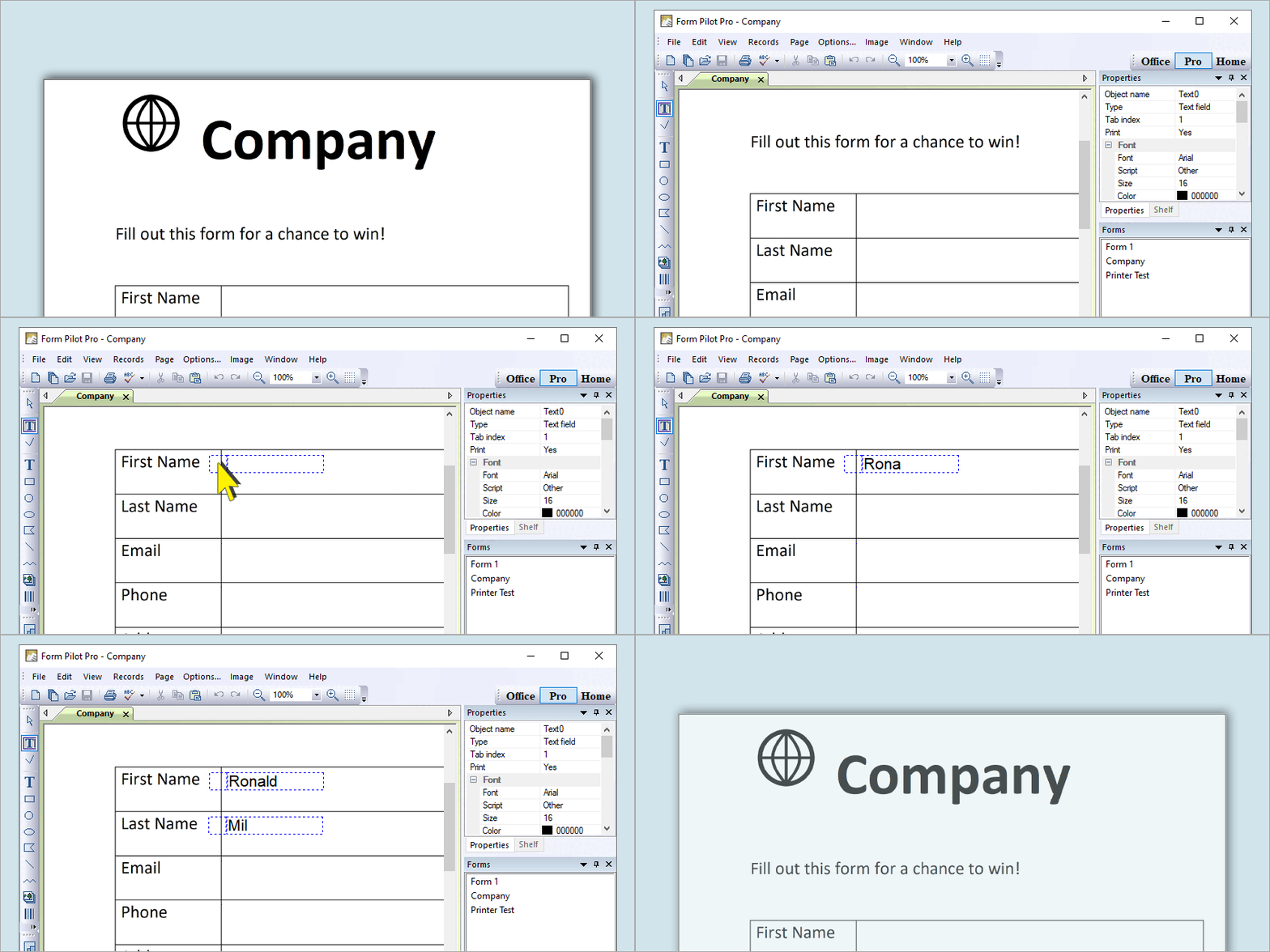
If you have a scanner connected to your computer, you just scan your form directly from the program, get the form image on the screen, and fill out the form by simply typing where you need to have the form filled out (if you do not have a scanner, just bring the scanned form image from another computer).
You can use fonts of different sizes and colors, rotate text, insert pictures, checkmarks, and even erase unnecessary text from your form. After you have completed your form input, you can save it to your hard drive or a CD, print it out for mailing, or open it and change something if you need to. You may use preprinted forms (just the text will be printed out) or blank paper to create your completed form.
Please see our cartoon.
Form Pilot Pro also allows you to fill out electronic forms of any type (DOC, TXT, XLS, PDF documents, etc.) using Form Pilot virtual printer.
Recommended for using at home and in office, since the program is suited for working with larger quantities of documents.
Form Pilot Home is a lite version of Form Pilot. This form-filler is a handy tool for filling out one-page electronic and paper forms.
Recommended for using at home. The program is very useful for students. It also helps children who have handwriting problems and people with dysgraphia.
Form Pilot Office
allows you to do everything that ALL the above-mentioned form-filling programs allow.
Also, with Form Pilot Office, you can create special forms for filling in by your customers and partners with free Filler Pilot.
PDF Maker Pilot registration is included in the Form Pilot Office license. With PDF Maker Pilot you can create PDF documents and fillable PDF forms that can be filled out using free Adobe Reader.
Recommended for businesses. It is useful for companies that work with clients and that would prefer to get the filled form back from them by e-mail. It is also invaluable to companies where just a few people create forms and others fill them out on their computers.
There are licenses for terminal server...
Filler Pilot fills out, saves and prints out special forms created in Form Pilot Office. More details...
Recommended for use by companies that work with clients and that would prefer to get the filled form back from them by e-mail.
It is also invaluable to companies where just a few people create forms and others fill them out on their computers.
* Discounts
There are substantial discounts for schools and non-profit organizations.
If you want to buy more than one software license, you can get a discount as well.
Limitations
Demo and unregistered versions show additional text at the top of a printed page.
After purchase, you will receive a detail instruction on how to download and register full version of Form Pilot.
Additional dictionaries for the spell checker (5.4M) - for version 1.50 and higher.
Languages: English (UK), English (Australian), Dutch, French, Italian, Russian, Spanish, Portuguese, Polish, Norwegian, Swedish, Brazilian Portuguese, Afrikaans, Czech, Danish, Finnish, Hungarian.
How to choose the appropriate form-filling software
in questions and answers
All I want is to scan my form, fill it out on my computer and print out either only the text or the text and form together.
Start with Form Pilot Home. If in the future you need more features, you can always pay the difference and get the program that you need.
Our work involves filling out the same paper forms with different data. We need to archive all data from the forms in electronic PDF format. What program should we choose?
Take a look at our Form Pilot Pro. It was specially designed to fill out the same paper forms with different data. Form Pilot Pro supports PDF export so that you can archive your forms using PDF format.
I want to compile my forms into one multipage document. Which of your programs allow me to do that?
The only program that does not have this feature is Form Pilot Home. All of the others (Form Pilot Pro and Form Pilot Office work with multipage documents.
I have a lot of PDF documents that I need to fill out, but I can not save the forms for further use in Adobe Reader. It's very irritating!
All the Form Pilot programs (Pro, Home, and Office) allow filling out PDF documents. You can save a template of any form for further use and you can also convert that filled form back into PDF format.
We need to create PDF forms that can be filled out by our customers online and then printed out. What program should I use?
You can take a look at PDF Maker Pilot. You will find an example that will show you how to create an on-line PDF form using PDF Maker Pilot.
Note that PDF Maker Pilot registration is included in the Form Pilot Office license.
I want to send my customer a PDF form to fill out and send back to me by e-mail.
You can prepare forms with Form Pilot Office and send it to your users. They then can fill out and save them using Filler Pilot.
Your partners or customers will be able to download and install our free Filler Pilot (very fast and simple) and fill in only the fields that you created for them in Form Pilot Office. The filled-out form can be saved (in the program format, in PDF or in a special format without the image), printed out and emailed back to you.
You can download the demo versions from our site, install both the programs on your computer and try them out.
I want to have the ability to insert data from forms filled out by my clients into my database.
If your clients fill out the form with Filler Pilot, they can save the form in a special format without the image and e-mail it to you. All you have to do is use the command "Import from document". All the data will be loaded into the document database; and you then can export them into an external database.
I have a multipage form and I have to type the same text repeatedly on different pages. I want to insert the data just once and have it appear on all of the pages.
You can do that with Form Pilot Office. The program work like this: you create what we called clone fields; then you insert your information in the parent field once and the identical information appears in all of the cloned fields.
Version history
Form Pilot Home
May 26 2009 :: Version 2.24
* The undo/redo functions are improved
Form Pilot Pro
May 26 2009 :: Version 2.24
* The undo/redo functions are improved
Form Pilot Office
May 26 2009 :: Version 2.24
* The undo/redo functions are improved
Fill out paper forms | Fill out electronic forms | Create forms for clients and partners
Form Pilot review | Features | Virtual printer | How to choose | FAQ | Prices and discounts